
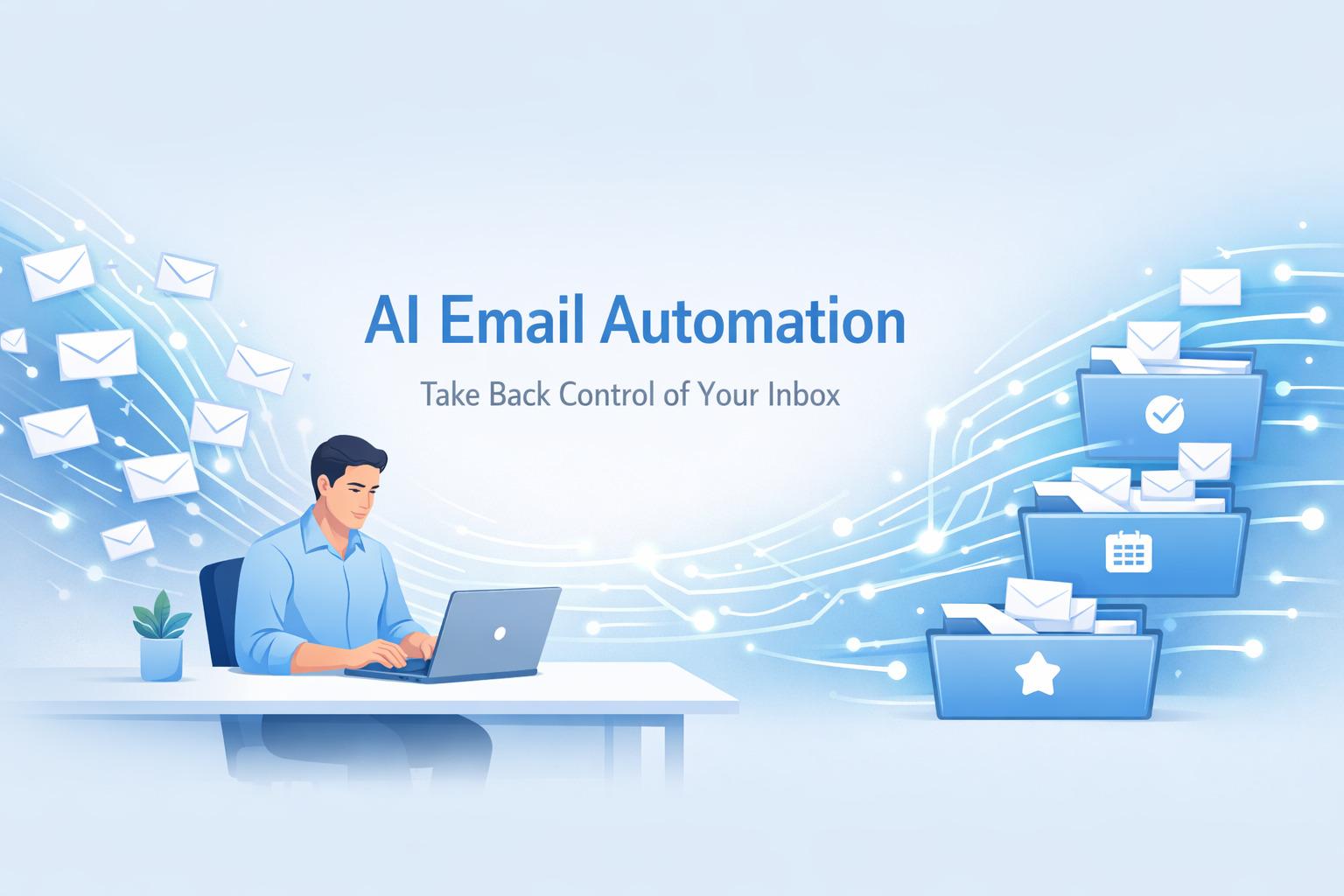
Every morning, Sarah opens her inbox to find 147 unread emails. Sound familiar? By noon, she's responded to maybe 30, and the rest sit there, breeding guilt and missed opportunities. But what if I told you there's a way to handle this mountain of messages without working through lunch or staying up past midnight?
Welcome to the world of AI email automation, where your inbox works for you, not against you.
Why AI Email Automation Changes Everything
Let's be honest: email is both essential and exhausting. The average professional spends 28% of their workday managing emails. That's over 11 hours per week just reading, sorting, and responding to messages. But here's the thing most of those emails follow predictable patterns.
AI doesn't just speed up your email process. It transforms it entirely. We're talking about intelligent systems that learn your communication style, prioritize what matters, and handle routine responses while you focus on work that actually moves the needle.
Understanding AI Email Automation: What It Really Means
Before we dive into the how, let's clarify what we mean by AI email automation. This isn't your grandfather's auto-responder that sends the same canned message to everyone. Modern AI email automation uses machine learning and natural language processing to understand context, tone, and intent.
Think of it as having a brilliant executive assistant who knows your preferences, understands your priorities, and can draft responses that sound like you wrote them. The AI analyzes thousands of your past emails to learn your communication patterns, then applies that knowledge to new situations.
The Core Benefits You'll Actually Experience
When I first implemented AI email automation three years ago, I was skeptical. Would it really save time, or would I spend more time fixing its mistakes? Here's what actually happened:
Time Recovery: I got back 8-12 hours per week. That's not an exaggeration I tracked it meticulously for three months.
Stress Reduction: The anxiety of an overflowing inbox vanished. AI triages everything, so I know the important stuff gets handled first.
Consistency: My response time improved dramatically. People started commenting on how quickly I got back to them, even though I was doing less manual work.
Better Focus: Without constant email interruptions, I could maintain deep focus on complex projects. My productivity in other areas soared.
Choosing the Right AI Email Automation Tools
The market is flooded with options, and not all AI email tools are created equal. Here's how to navigate your choices:
For Gmail Users: Google's built-in Smart Compose and Smart Reply have come a long way, but dedicated tools like Superhuman or Shortwave offer more sophisticated AI features. They predict what you'll type, suggest entire responses, and learn from your corrections.
For Outlook Users: Microsoft's AI integration through Copilot brings impressive automation to Outlook, including meeting summaries, action item extraction, and intelligent drafting assistance.
For Sales Teams: Tools like Lavender or Smartwriter use AI to optimize cold outreach, analyze email performance, and personalize at scale without losing authenticity.
For Customer Support: Zendesk AI and Intercom's automation features can handle routine customer inquiries, escalate complex issues, and maintain your brand voice throughout.
Setting Up Your AI Email Automation System: A Step-by-Step Approach
Here's where theory meets practice. I'll walk you through setting up a system that actually works, based on what I've learned through trial, error, and eventual success.
Step One: Audit Your Current Email Patterns
Spend a week categorizing your incoming emails. You'll likely find that 60-70% fall into predictable categories like meeting requests, status updates, information requests, or routine confirmations. These are your automation goldmines.
Step Two: Define Your Automation Rules
Start with the low-hanging fruit. Create rules for emails that require similar responses. For example, meeting requests might get an AI-generated response checking your calendar and proposing three alternative times if you're busy. Newsletter subscriptions can be automatically sorted into a "Read Later" folder that you review weekly.
Step Three: Train Your AI Assistant
Most AI tools need initial training. Feed them examples of your best email responses. Show them how you handle different situations the formal tone for executive communication, the casual friendliness for team members, the empathetic approach for customer concerns.
Step Four: Set Boundaries and Priorities
Not every email should be automated. Configure your system to flag VIP senders, time-sensitive keywords, or messages requiring personal attention. I keep a "manual review" category for anything involving budgets over a certain threshold, personnel decisions, or emotional situations.
Step Five: Test, Monitor, and Refine
Start with read-only mode where the AI suggests responses but doesn't send anything without your approval. Review these suggestions daily for the first two weeks. You'll quickly spot patterns where the AI nails it and areas where it needs correction.
Advanced AI Email Automation Strategies
Once you've mastered the basics, these advanced tactics will elevate your email game to another level.
Context-Aware Follow-Ups: Modern AI can track conversation threads and automatically follow up if you haven't received a response. It knows to wait longer for external stakeholders than internal team members and can adjust tone based on previous interactions.
Sentiment Analysis: AI can detect frustration, urgency, or confusion in incoming emails and flag them for immediate attention. This prevents small issues from becoming major problems.
Meeting Coordination: Instead of the endless "Does Thursday work?" back-and-forth, AI can analyze multiple calendars, propose optimal times considering time zones and preferences, and even handle rescheduling automatically.
Email Writing Enhancement: AI doesn't just respond it improves your writing. Tools analyze clarity, tone, and likelihood of getting a response, then suggest improvements before you hit send.
Common Pitfalls and How to Avoid Them
I've made every mistake in the book, so you don't have to. Here are the big ones:
Over-Automation: Yes, it's possible to automate too much. I once had AI handle all internal team communication and people started feeling like they were talking to a robot instead of a colleague. Keep genuine human interaction for team-building and relationship maintenance.
Ignoring Edge Cases: AI works brilliantly for 90% of emails but can stumble badly on unusual situations. Always have a manual review process for anything outside normal patterns.
Set It and Forget It Syndrome: Your AI system needs ongoing maintenance. Review its performance monthly, update rules as your role changes, and retrain it when you notice drift from your communication style.
Privacy Concerns: Some AI tools read your emails to provide their service. Understand what data you're sharing and ensure it complies with your company's security policies and regulations like GDPR.
Measuring Success: Metrics That Matter
How do you know if your AI email automation is actually working? Track these metrics:
Response Time: Measure your average time to first response before and after implementation. Most people see a 50-70% improvement.
Email Volume Processed: Track how many emails you handle per hour. This should increase dramatically without sacrificing quality.
Time Saved: Use time-tracking tools to measure actual hours spent on email. Document this weekly for the first quarter.
Satisfaction Scores: If you're in customer-facing roles, monitor whether response quality maintains or improves. Send quarterly surveys asking if people notice any change in your communication.
The Future of AI Email Automation
We're just scratching the surface of what's possible. AI is evolving rapidly, and the next generation of email automation will be even more impressive.
Predictive email composition will draft entire messages based on calendar events, project deadlines, and past communication patterns. Voice-to-email AI will let you dictate complex messages during your commute and have them perfectly formatted by the time you reach your desk. Cross-platform integration will unify email, Slack, Teams, and other communication channels under one intelligent system.
Taking Your First Steps Today
You don't need to revolutionize your entire email system overnight. Start small, measure results, and scale what works.
This week, choose one repetitive email task and automate it. Maybe it's sorting newsletters, responding to meeting requests, or acknowledging receipt of documents. Pick the tool that fits your platform and budget, set up that single automation, and observe the results.
Next week, add one more. By the end of the month, you'll have a robust system that handles the routine while freeing you for the exceptional.
The goal isn't to remove the human from email it's to remove the tedium so the human can focus on what humans do best: creative problem-solving, relationship building, and strategic thinking.
Your inbox doesn't have to be a source of stress. With AI automation, it can become a well-oiled machine that works quietly in the background while you focus on work that matters. The technology is ready. The only question is: are you ready to reclaim those 11 hours per week?

Leave a comment
Your email address will not be published. Email is optional. Required fields are marked *